


Purchase Order System: Approval Workflows Feature In Depth
Trusted by a range of clients and businesses
























Purchase Order Approval Workflows
Route purchase orders through the appropriate approval process before they are sent to the supplier. Depending on the selected package, workflows can range from basic point-to-point, to configurable, to fully tailored.
The configurable, and fully tailored options can be designed around your organisation's structure and purchasing rules. This helps ensure that orders are reviewed by the correct people, improves accountability, and gives users clear visibility of each purchase order's approval status.

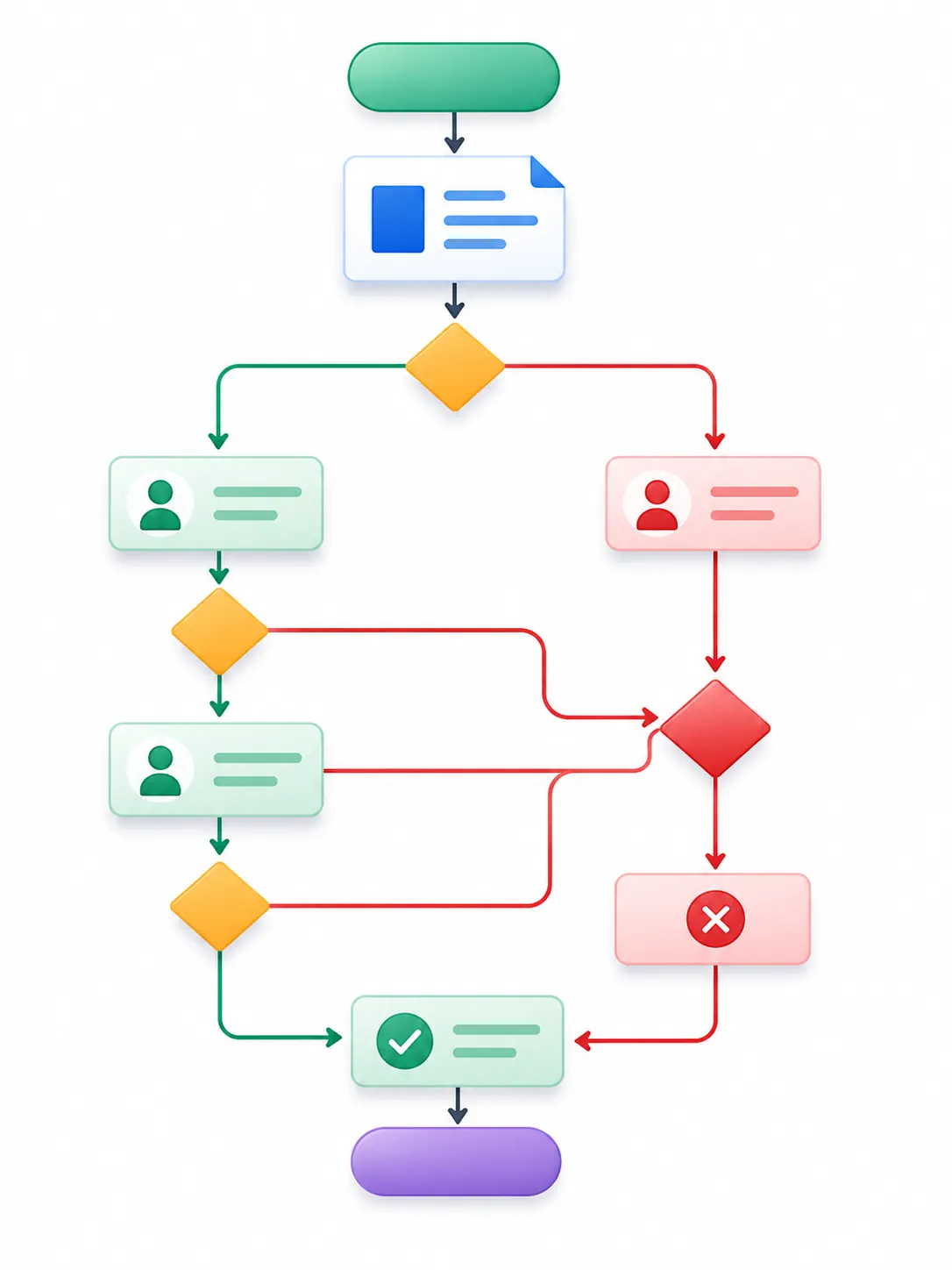
Approval Workflow Example 1
- The purchase order is created and submitted for approval.
- The approval is task received by the purchasing manager.
- The PO is reviewed and approved successfully.
- The approved PO is automatically emailed to the supplier for fulfilment.
Approval Workflow Example 2
- The purchase order is created and submitted for approval.
- The approval is task received and rejected by the purchasing manager.
- The rejected PO is sent back to the PO creator for review and amendment.
- The PO creator amends the PO and resubmits it for approval
- The purchasing manager approves the amended PO and it is emailed directly to the supplier.
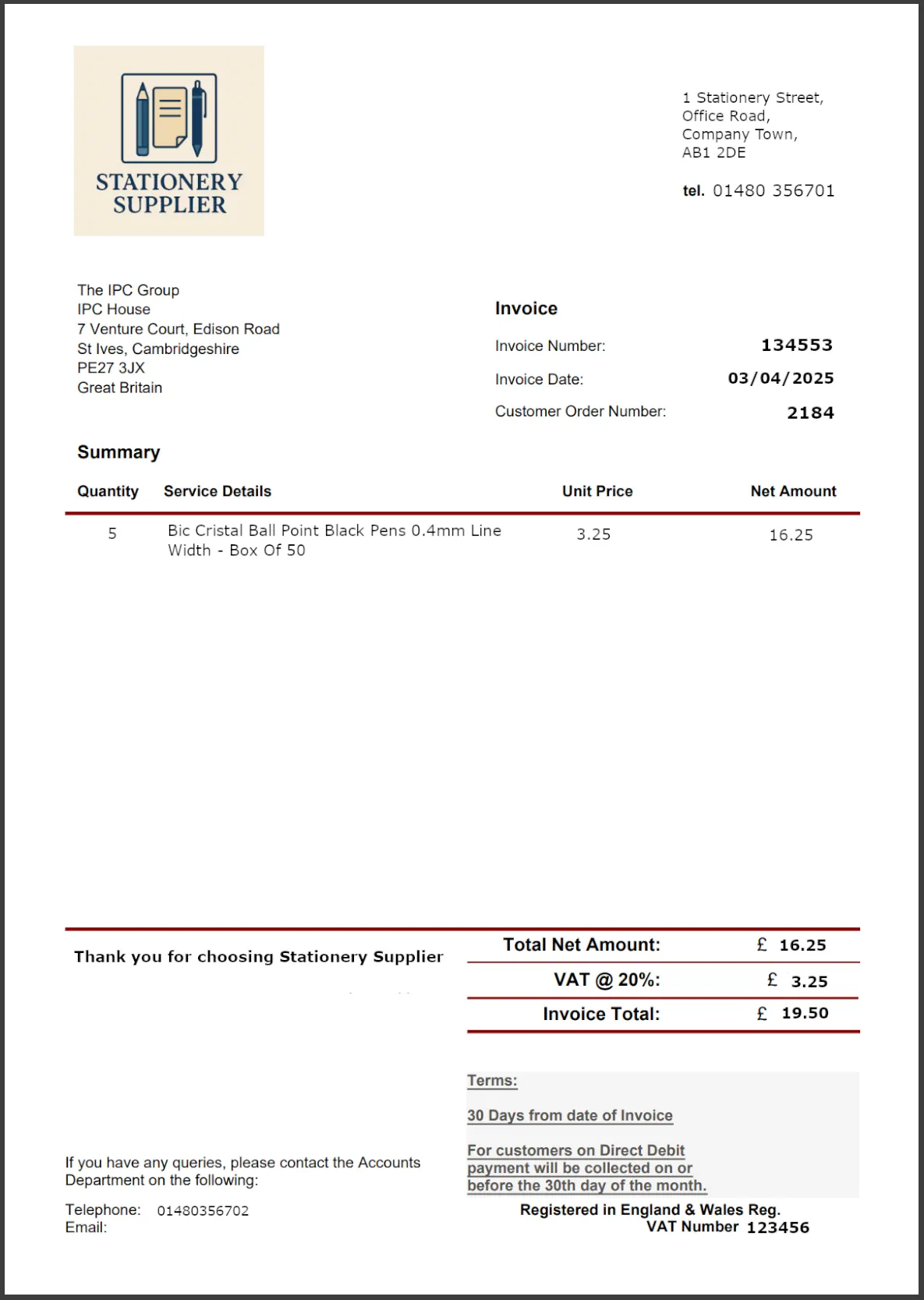
Invoice Approval Workflows
Make sure supplier invoices receive the right checks and approvals before payment is released. Invoices can be:
- Reviewed against supporting information
- Queried where discrepancies are identified
- Sent to the appropriate approvers for financial authorisation
This gives your organisation greater control over the invoice approval process while maintaining a clear record of how each invoice has been reviewed and authorised. It helps you:
- Identify discrepancies before payment
- Prevent unauthorised or incorrect payments
- Apply financial controls consistently
- Maintain a clear audit trail of invoice approvals
Value-Based Approval Rules & Limits
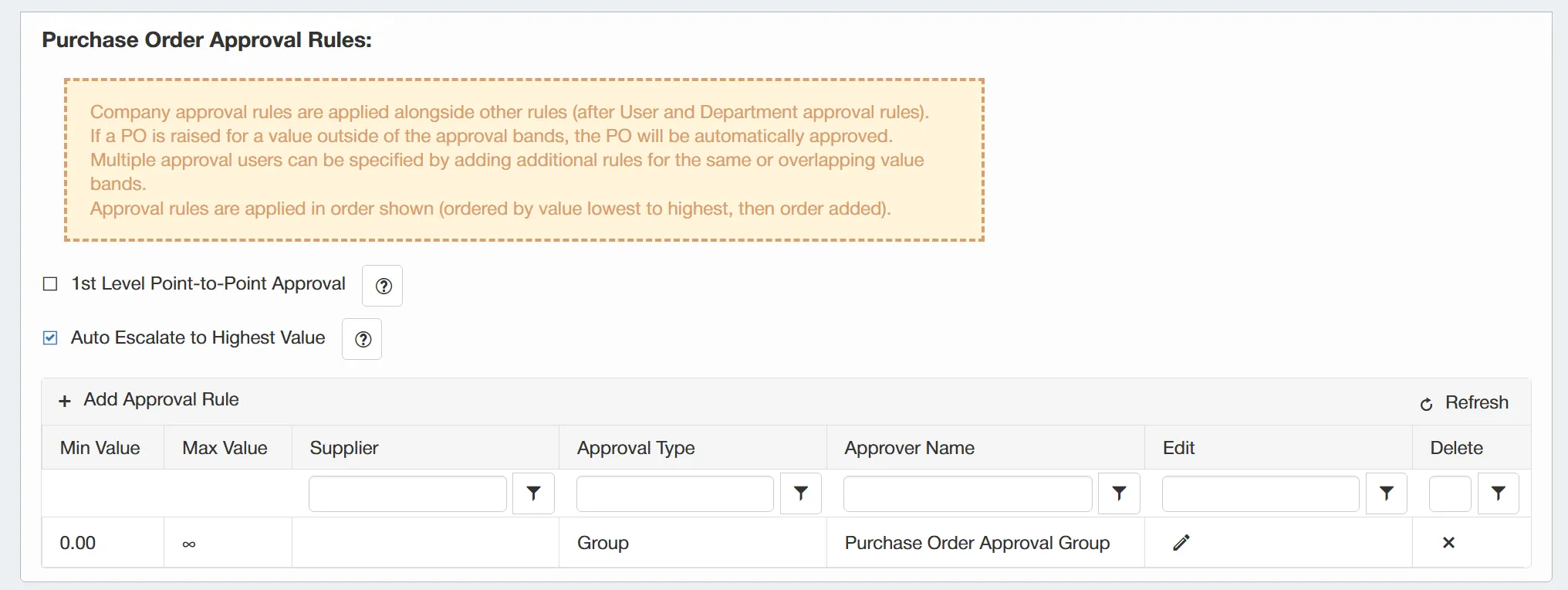
Apply approval rules based on purchase order value, so higher-value purchases receive the right level of scrutiny. Approval limits can be set for:
- Individual users
- Specific approval stages
- Different purchase values
This allows lower-value orders to move through the process efficiently, while larger financial commitments can be automatically escalated to more senior approvers. This helps you:
- Apply proportionate financial control
- Escalate higher-value purchases appropriately
- Avoid unnecessary delays on routine orders
- Ensure the right people approve the right level of spend

Supplier-Based Approval Limits & Rules
Apply different approval rules depending on the supplier selected, giving you greater control over how particular purchases are reviewed. Orders placed with selected suppliers can be:
- Routed for additional approval
- Restricted to nominated approvers
- Subject to specific approval conditions
- Handled differently based on supplier risk or importance
This is particularly useful for:
- Higher-risk suppliers
- Strategic or key suppliers
- New or infrequently used suppliers
Routine purchases can continue through the standard approval process, while orders requiring greater scrutiny are handled appropriately.
This helps you apply purchasing policies consistently, manage supplier risk and maintain stronger control over sensitive or higher-risk expenditure.
Shared Approval Workflow Groups
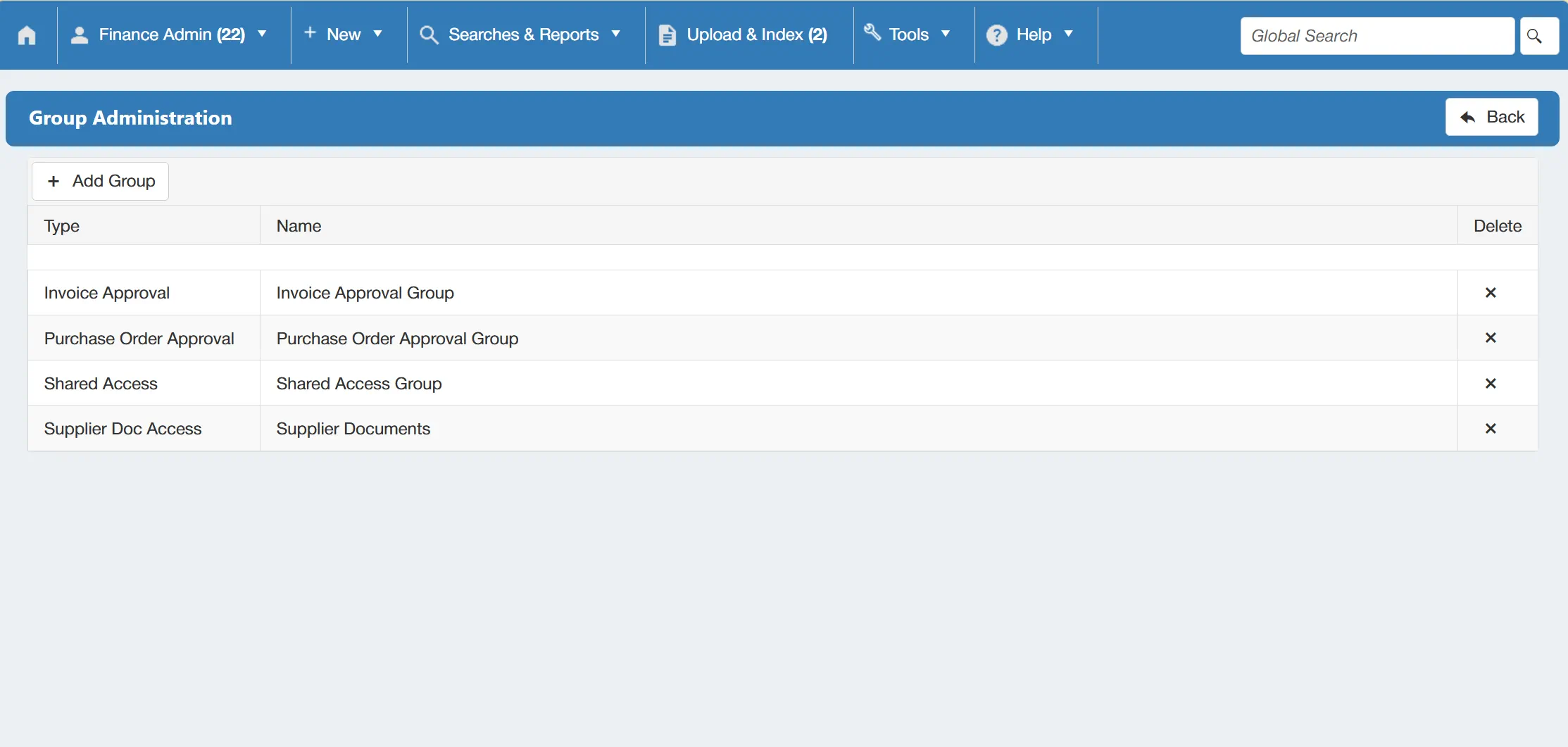
Create reusable approval groups to make purchase order workflows easier to build and maintain. Instead of assigning approvers individually each time, you can:
- Group users with shared approval responsibilities
- Add the group to relevant approval stages
- Reuse the same group across multiple workflows
When team members or responsibilities change, you can update the approval group rather than having to amend every workflow individually. This helps you:
- Reduce workflow administration
- Keep approval responsibilities consistent
- Manage personnel changes more easily
- Ensure purchase orders continue to reach the right approvers

Out of Office Task Reassignment
Keep purchase orders moving when approvers are unavailable by using temporary out-of-office delegation. Users can:
- Nominate an alternative approver
- Set a defined delegation period
- Redirect outstanding approval tasks
- Automatically route newly assigned tasks while they are away
This allows approvals to continue without changing the underlying workflow or compromising your established approval controls. This helps you:
- Prevent approval delays
- Reduce workflow bottlenecks
- Maintain continuity during absences
- Keep purchase orders progressing through the correct approval process
Get your personalised Purchase Order Software quote or book a free system consultation
Please contact me to set up an initial discussion of our requirements / book a free online demonstration