


Purchase Order System: Budget Control & Spend VisibilityFeature In Depth
Trusted by a range of clients and businesses























Budget Enforcement Control
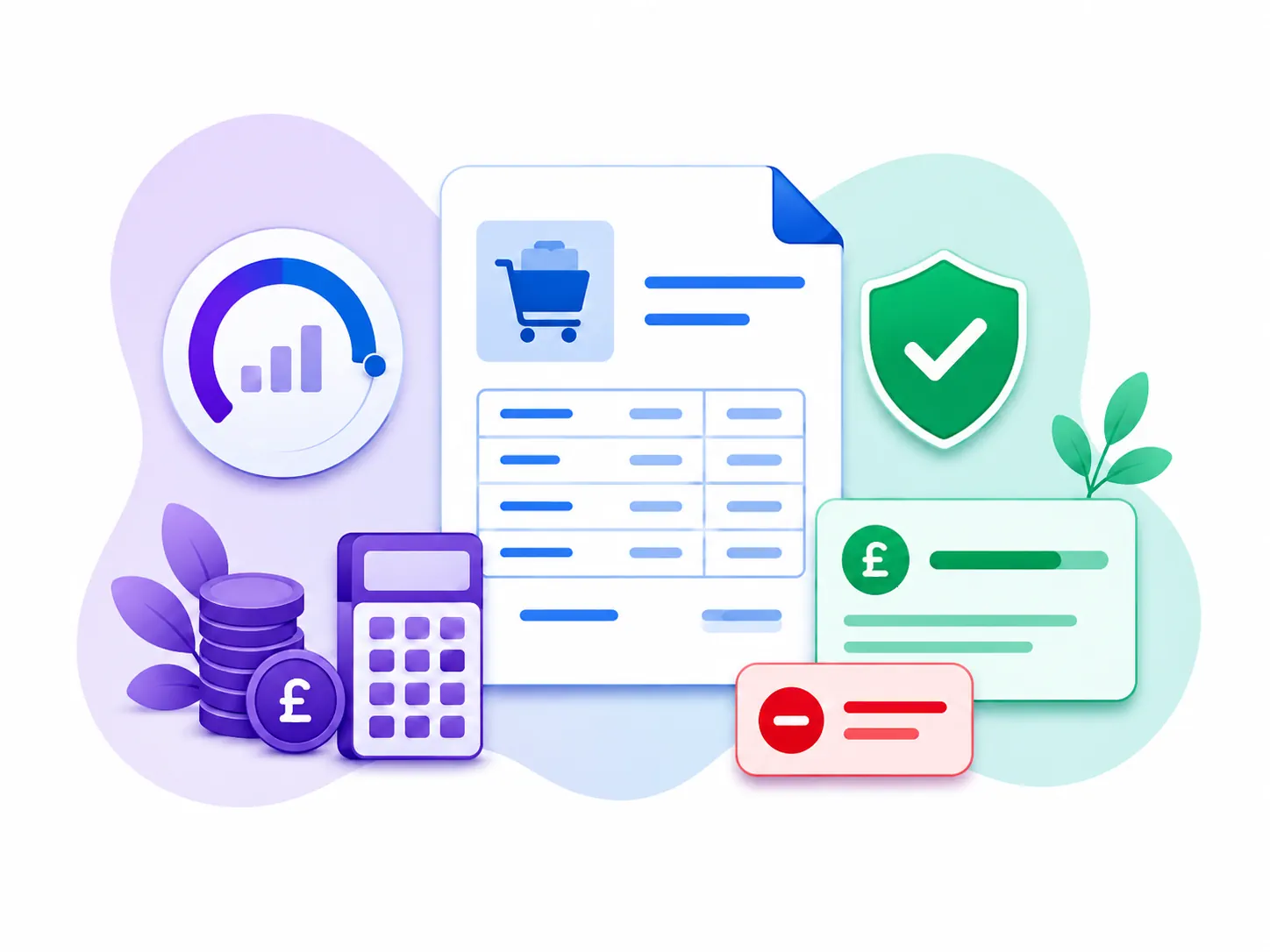
Keep spending under control by applying budget checks before expenditure is committed. When a purchase order is created, each line is raised against an allocated:
- Company budget
- Department budget
- Project budget
If there are insufficient funds available, the order can be prevented from progressing. This helps your organisation:
- Reduce overspending
- Enforce budget limits at the point of purchase
- Apply financial controls consistently across the business
Company, Department & Project Budgets
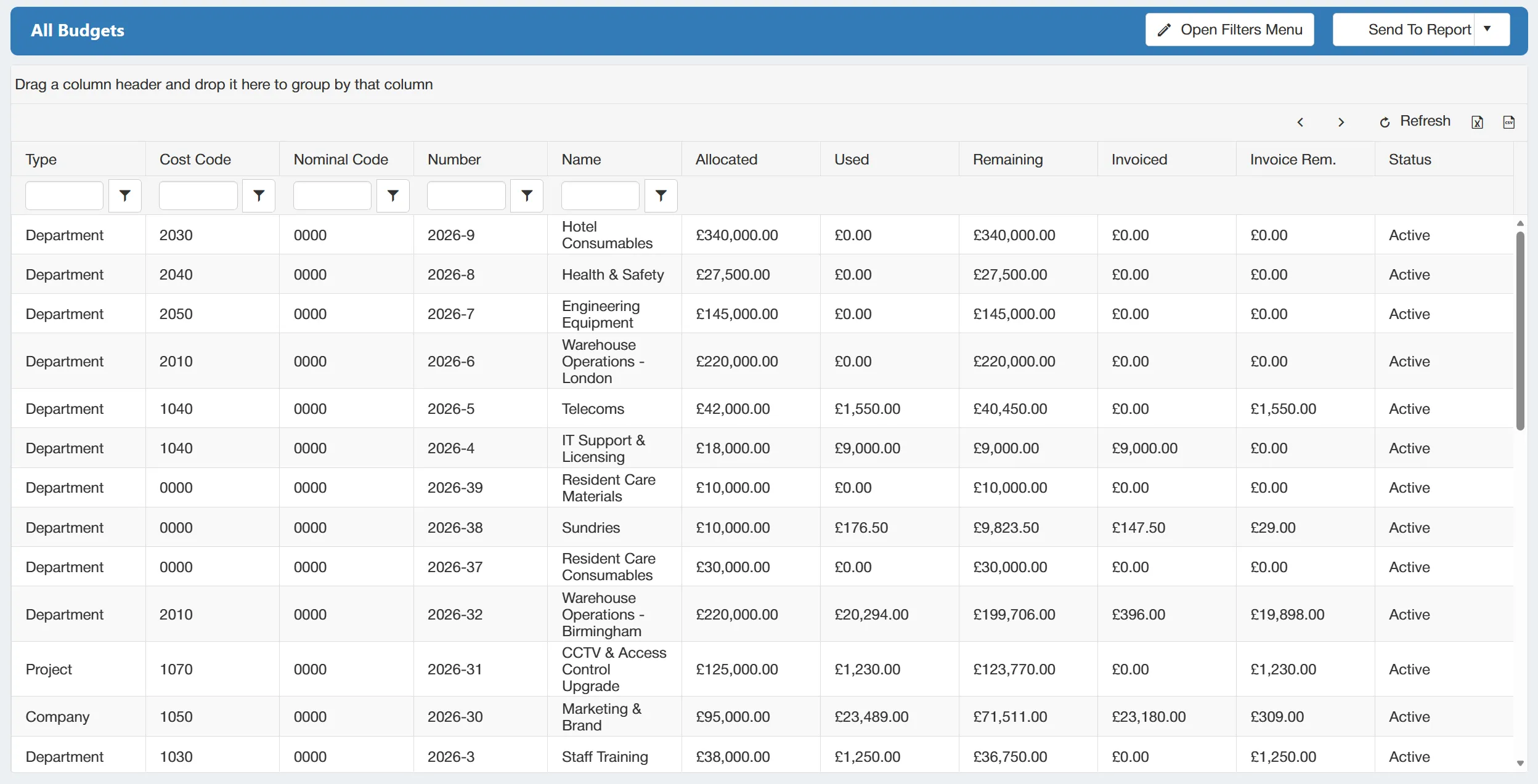
Create and manage budgets in a way that reflects how spending is controlled across your organisation.
Budgets can be created at the following levels:
- Company
- Department
- Project
Apply the appropriate budget structure depending on the type of purchase order being raised, and allocate individual PO lines across different budgets where required.
This gives you a clearer view of committed expenditure and makes it easier to monitor available funds across different areas of the business.
Monthly Budget Allocation
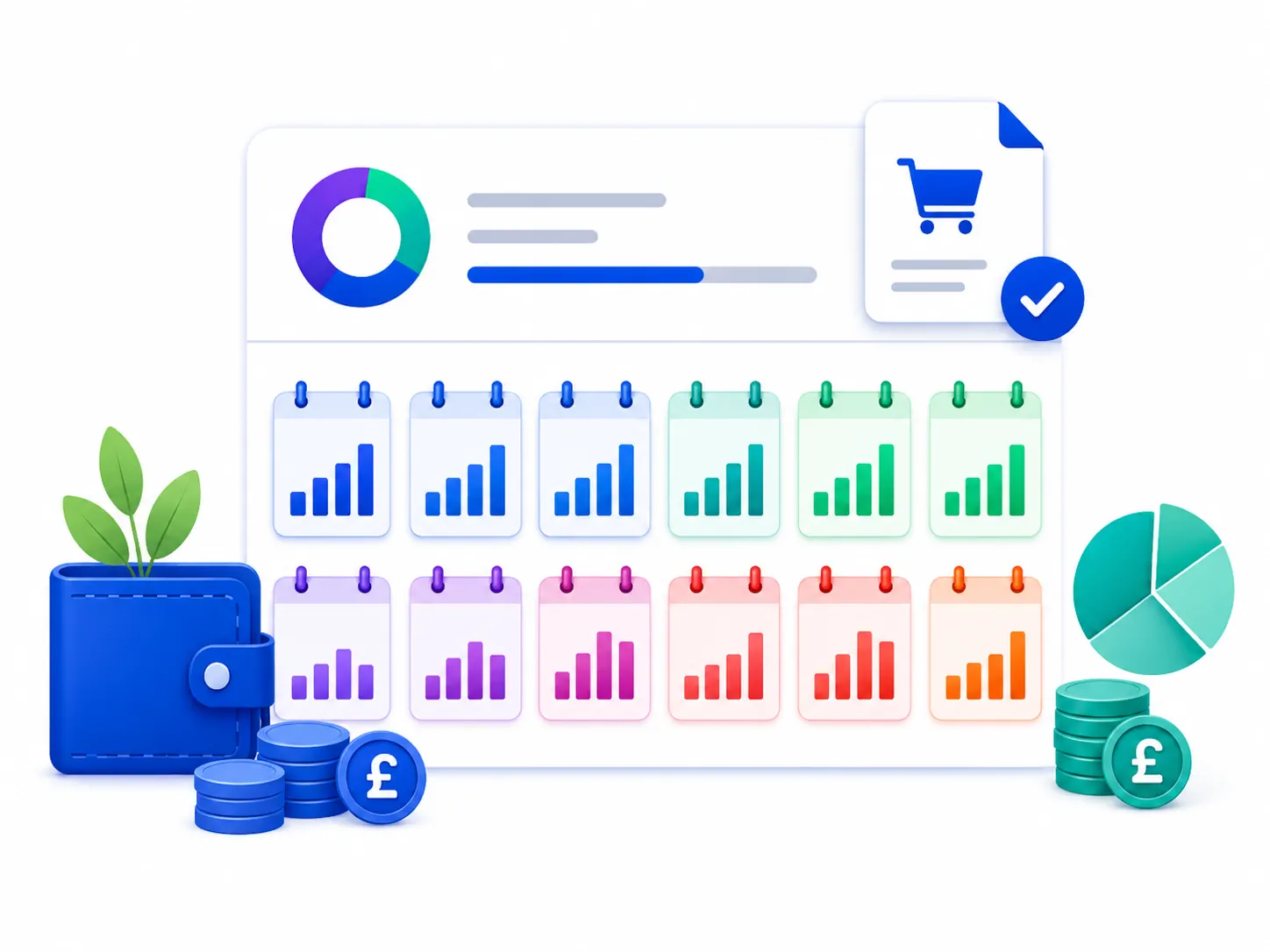
Gain more control over when budget is available by dividing annual budgets into monthly allocations. Monthly budgeting allows you to reflect:
- Seasonal spending patterns
- Planned business activity
- Higher or lower expenditure in specific months
Rather than managing spend against a single annual total, you can control how funds are distributed throughout the year. This makes it easier to:
- Monitor actual spend against plan
- Identify months where budgets are being used too quickly
- Spot underspend and available capacity earlier
Bulk Import Budgets
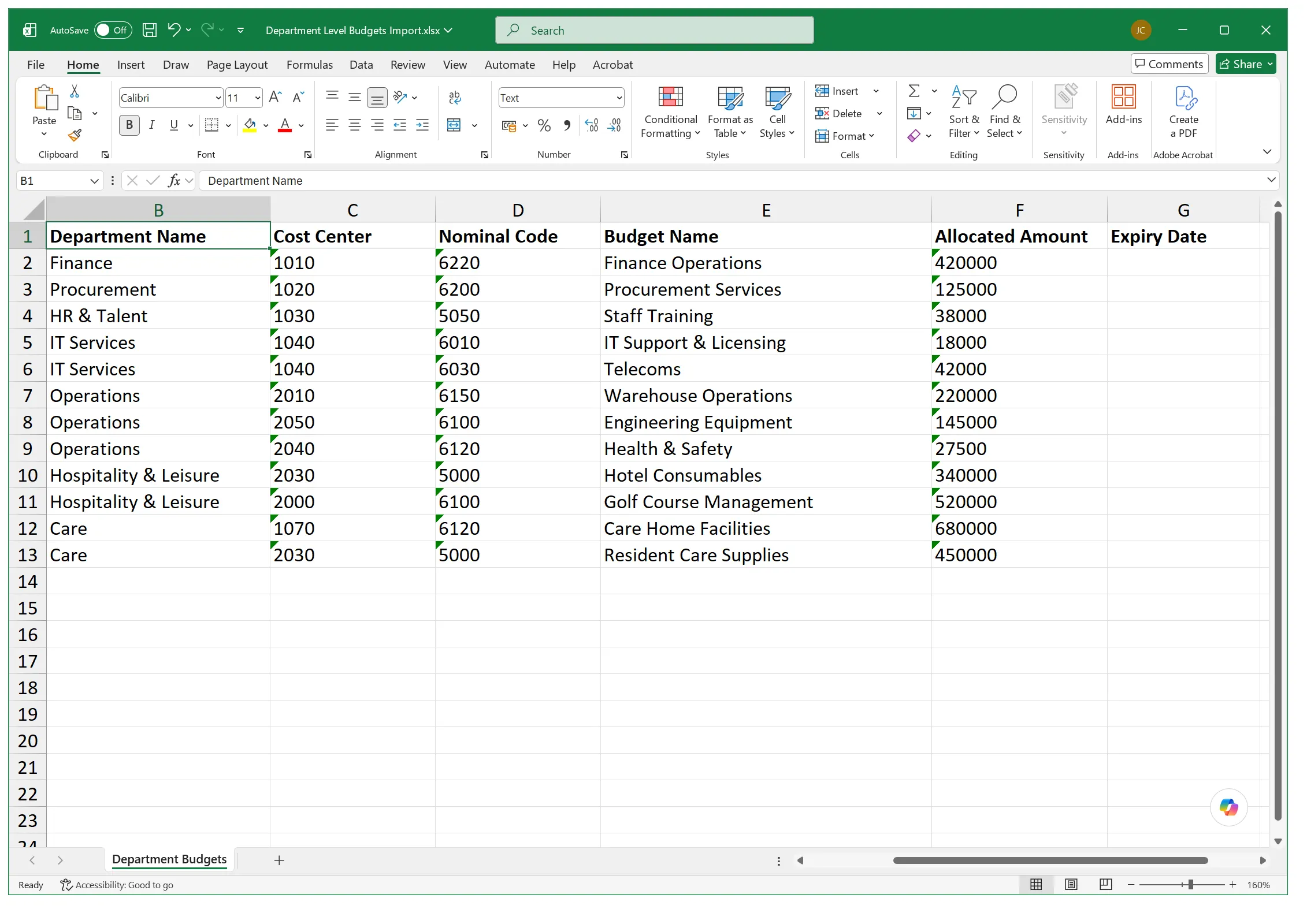
Set up or update multiple budgets quickly by importing them from a prepared spreadsheet. Upload key budget information in one go, including:
- Budget names and values
- Start and end dates
- Company details
- Department details
- Project details
There's no need to create each budget individually, making spreadsheet import particularly useful for larger or more complex budget structures. This helps you:
- Save administration time
- Speed up annual budget updates
- Reduce manual data entry
- Minimise the risk of setup errors
Budget & Expiry & Status Management
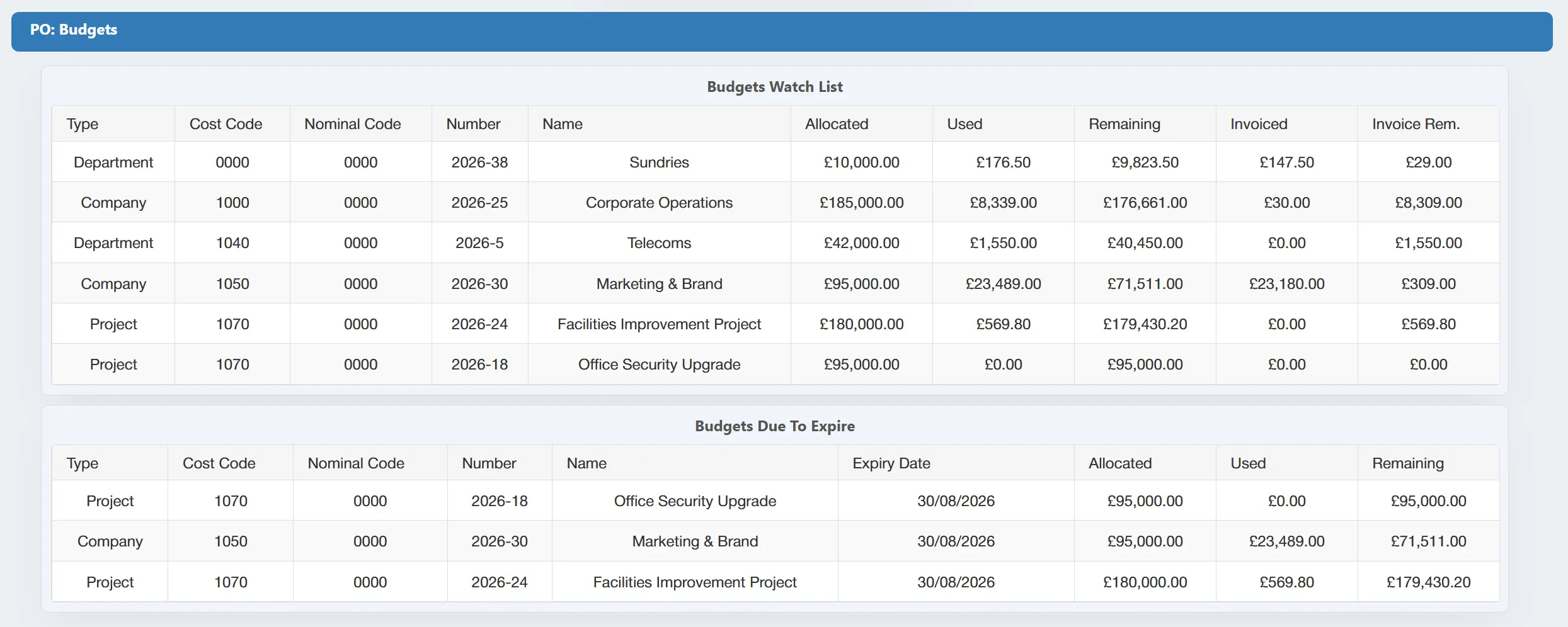
Keep budgets accurate and up to date by controlling when they can be used. For each budget, you can:
- Set active dates to define when funds are available
- Mark budgets as inactive when they are no longer required
- Allow budgets to expire automatically at the appropriate time
Once a budget is no longer active, users can be prevented from allocating new expenditure against it. This helps you:
- Prevent spend against outdated budgets
- Keep available budget lists accurate
- Reduce unnecessary administration
- Manage the full budget lifecycle more effectively
Get your personalised Purchase Order Software quote or book a free system consultation
Please contact me to set up an initial discussion of our requirements / book a free online demonstration