


Purchase Order System: PO Management Feature In Depth
Trusted by a range of clients and businesses























Create & Manage Purchase Orders
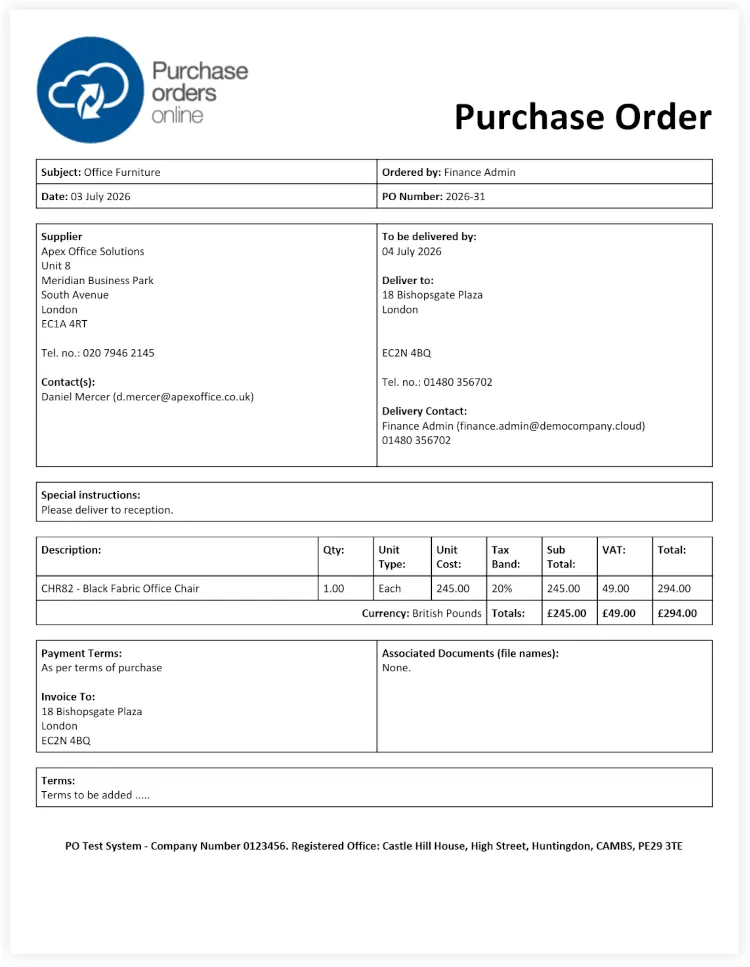
Create purchase orders quickly and consistently using a straightforward, centralised system. Each purchase order can be reviewed, updated, and tracked throughout its lifecycle, giving your organisation a clear and reliable record of purchasing activity while reducing its reliance on spreadsheets, emails, and disconnected processes.
PO creators can add the following information to the purchase order, which populates the PO document template:
- Supplier Details
- PO Title
- Delivery Details
- Internal Justification
- Payment Method
- Invoice Instructions
- Special Delivery Instructions
- Individual PO Line Items
- Budgetary Details
Supporting Document Attachments
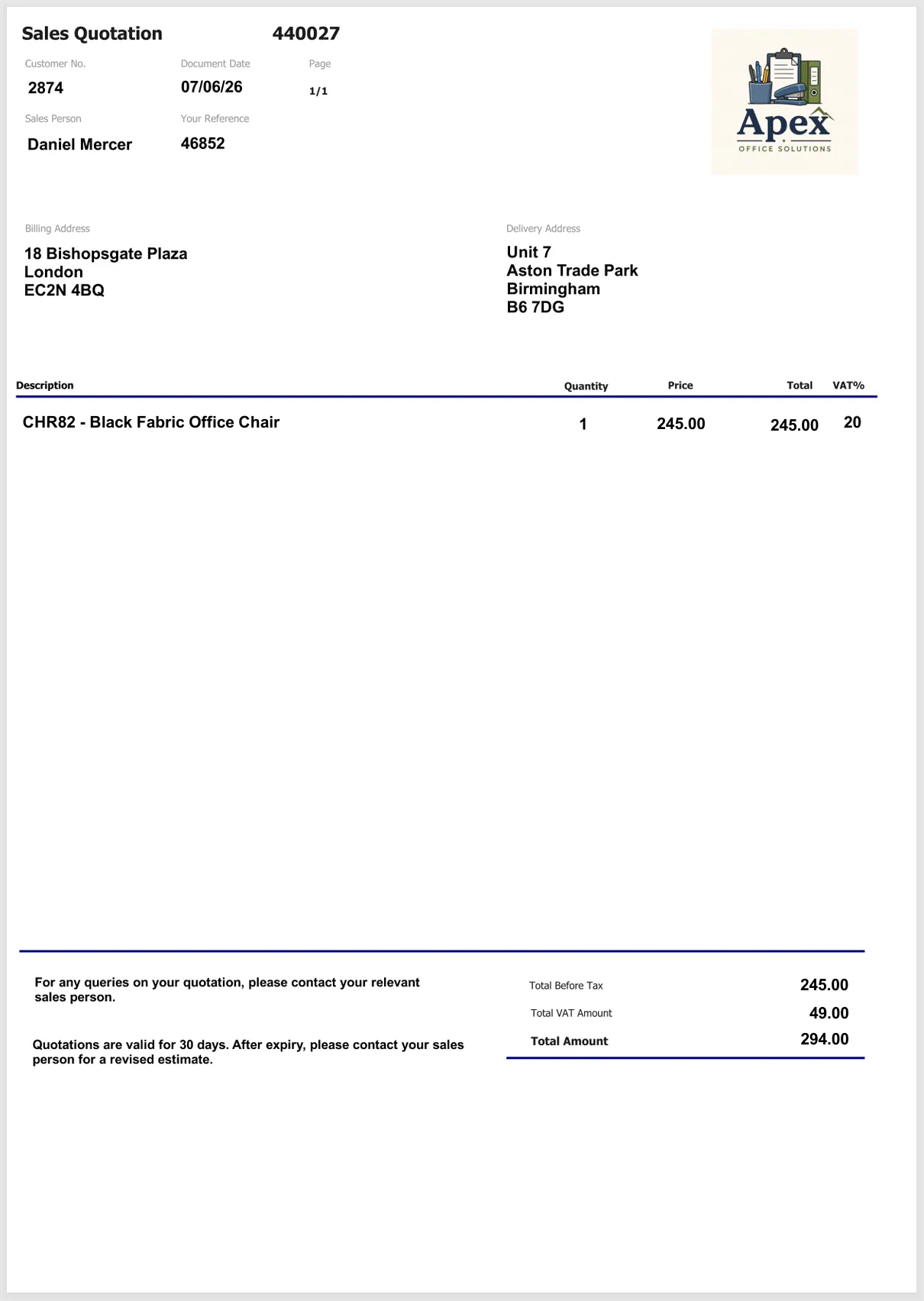
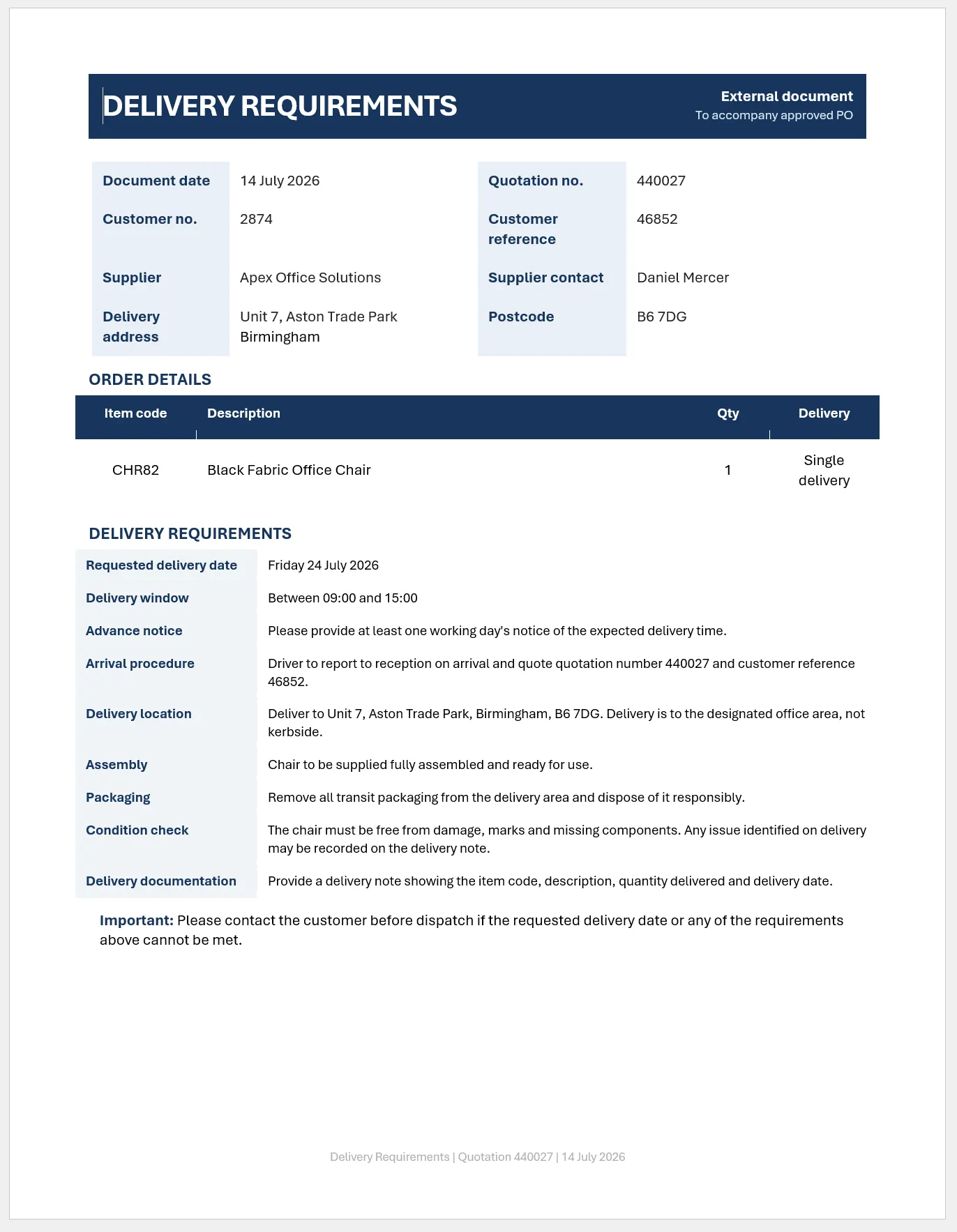
Attach supporting documents directly to a purchase order and choose whether they are for internal or external use. This helps keep quotations, specifications and other supporting information organised while ensuring that only the appropriate documents are shared externally.
Internal Documents
- Visible during approval
- Available to internal users
- Not sent to the supplier
External Documents
- Visible during approval
- Included with the approved PO
- Automatically sent to the supplier

Budget & Accounting Code Allocation
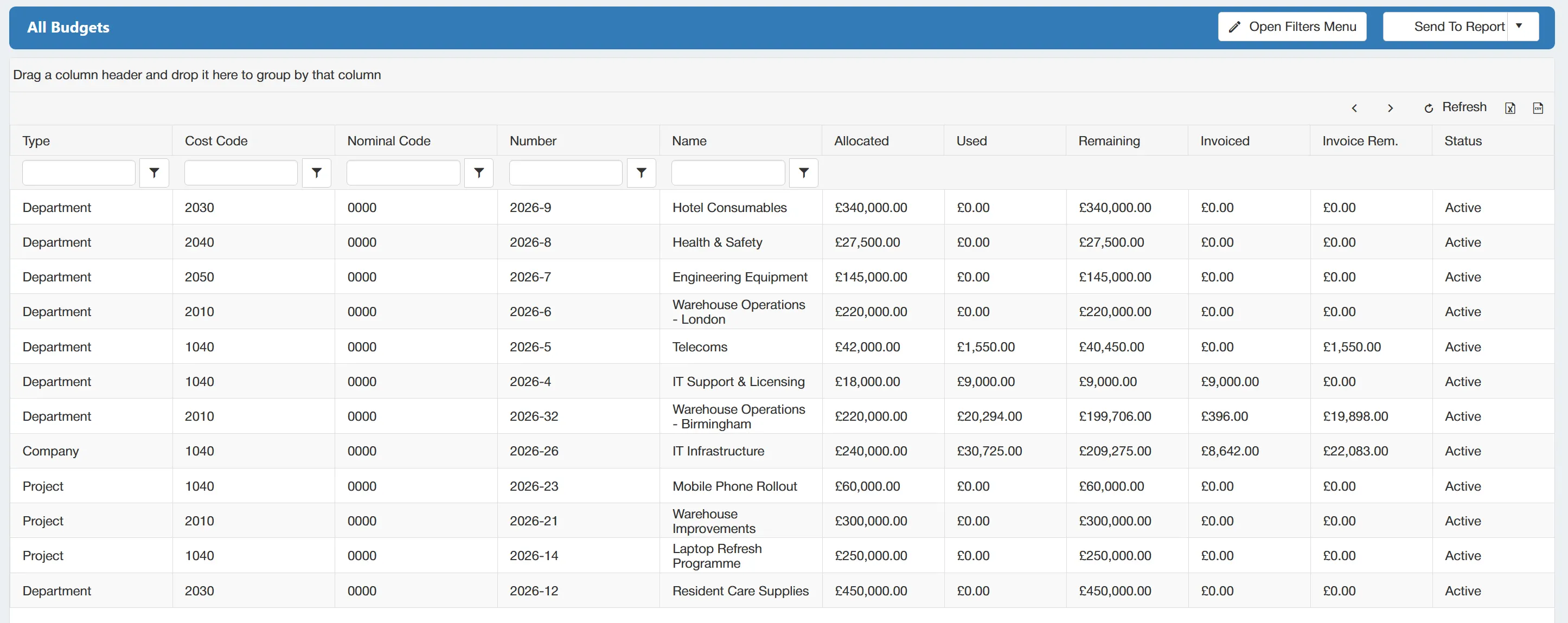
Give your organisation more precise control over expenditure by allocating each purchase order line to the correct budget and accounting codes. Depending on the type of purchase order, budgets can be assigned at a Company, Department or Project level.
Individual lines within the same purchase order can also be allocated across different budgets, giving you greater flexibility over how spend is managed. Users can apply the relevant nominal codes, cost centres, and project codes.
This helps you:
- Categorise expenditure accurately
- Improve financial reporting
- Track spend against the right areas of the business
- Structure purchasing data correctly from the outset
Automatic Approved PO Emails
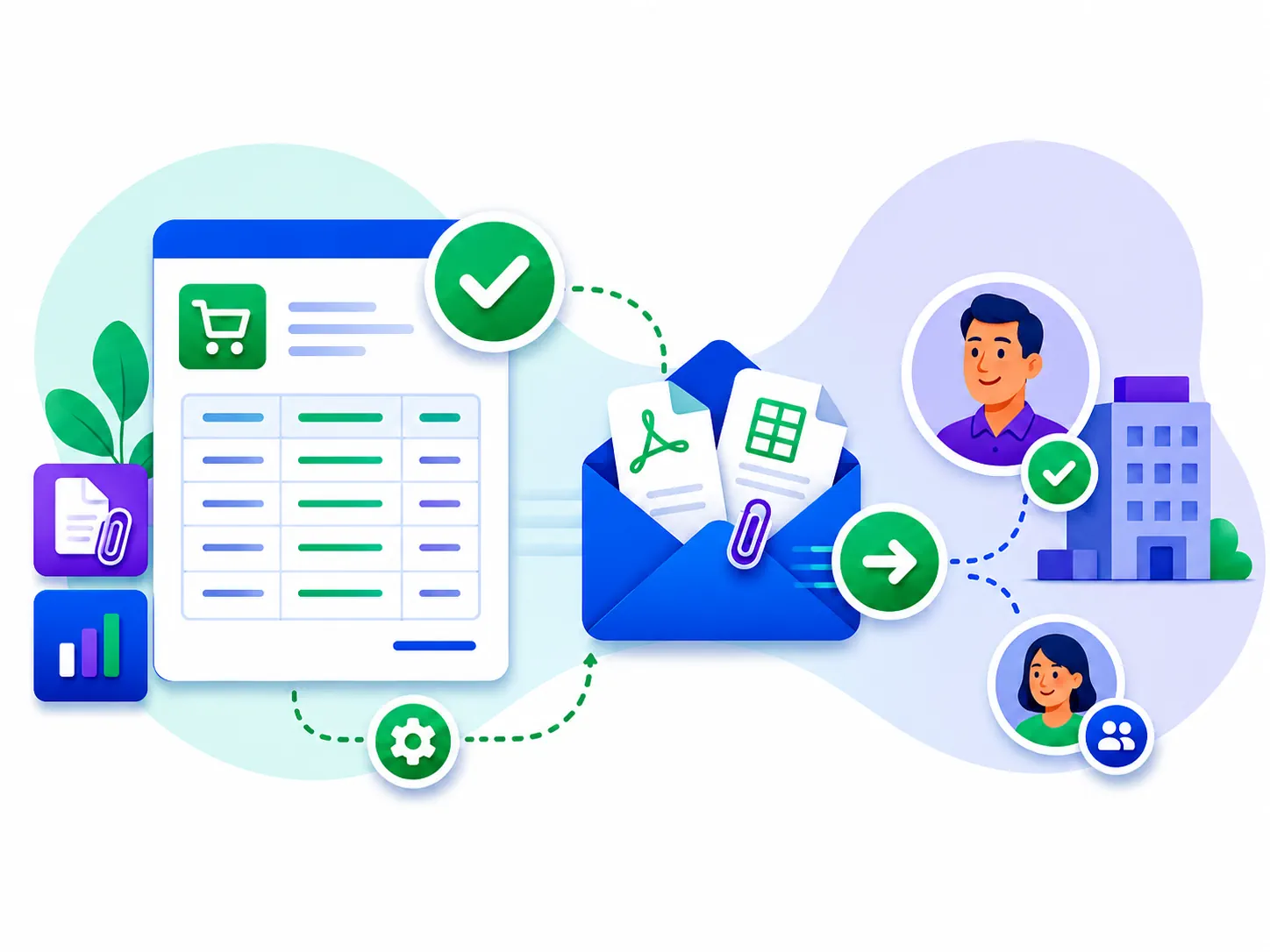
Once a purchase order has completed its approval workflow, the system can automatically generate and email the approved PO to the selected supplier contact. The email can include:
- The approved purchase order
- Supporting documents marked for external use
- A copy to the user who raised the order
This removes the need to send approved orders manually and helps ensure suppliers receive the correct documentation without unnecessary delays. It also gives users clear confirmation that the PO has been issued, helping to:
- Speed up the purchasing process
- Reduce manual administration
- Avoid delays in sending orders
- Ensure suppliers receive the correct documents
Complete Purchase Order Audit Trail
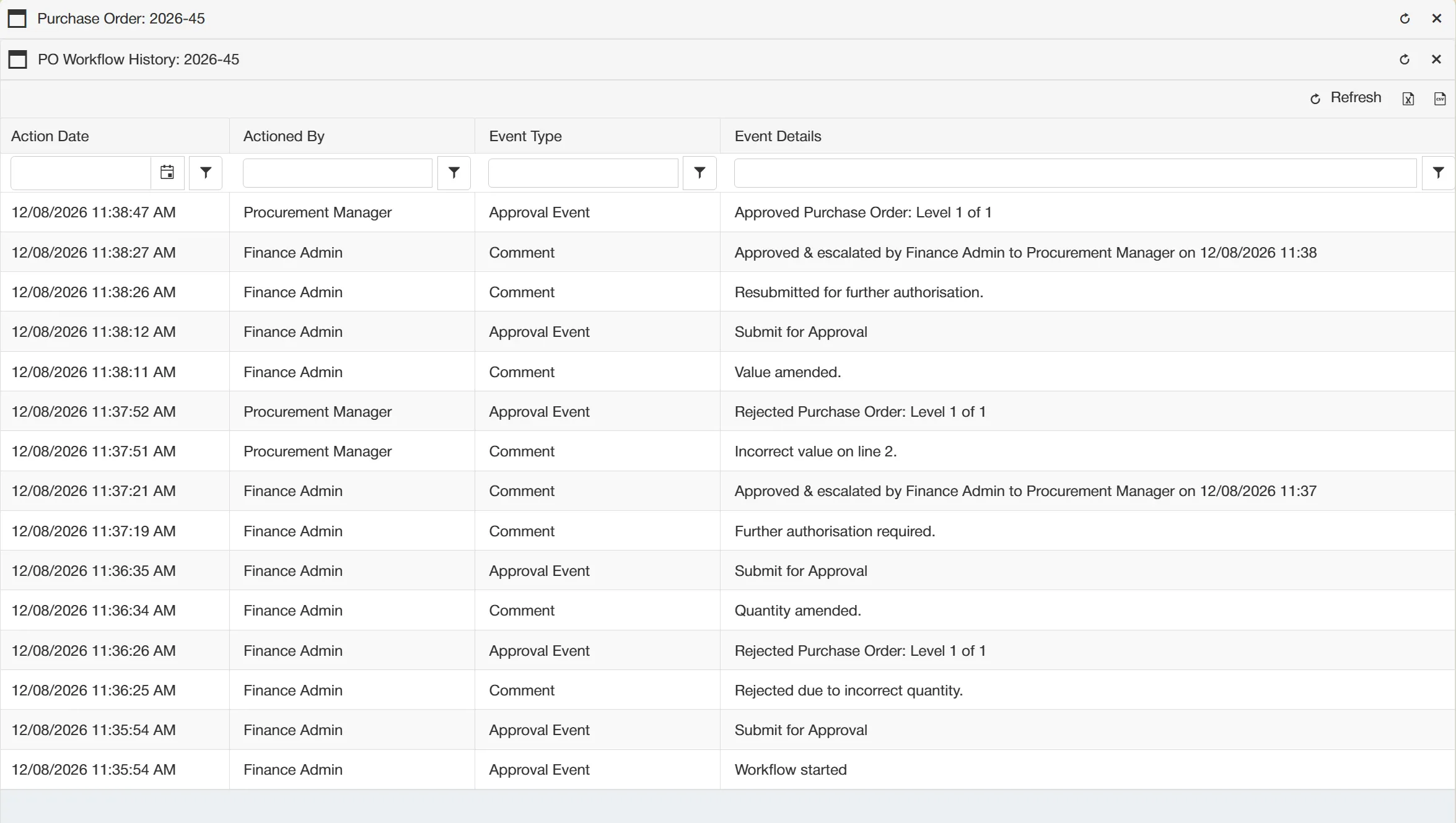
Maintain a clear, time-stamped record of activity throughout the purchase order lifecycle.
The audit trail captures key actions such as:
- Created
- Amended
- Submitted
- Approved
- Rejected
- Sent to the supplier
It also captures the details of the user who carried out the action. This provides greater accountability, supports internal reviews, and helps organisations demonstrate that purchasing processes have been followed correctly.
Bulk Purchase Order Line Imports
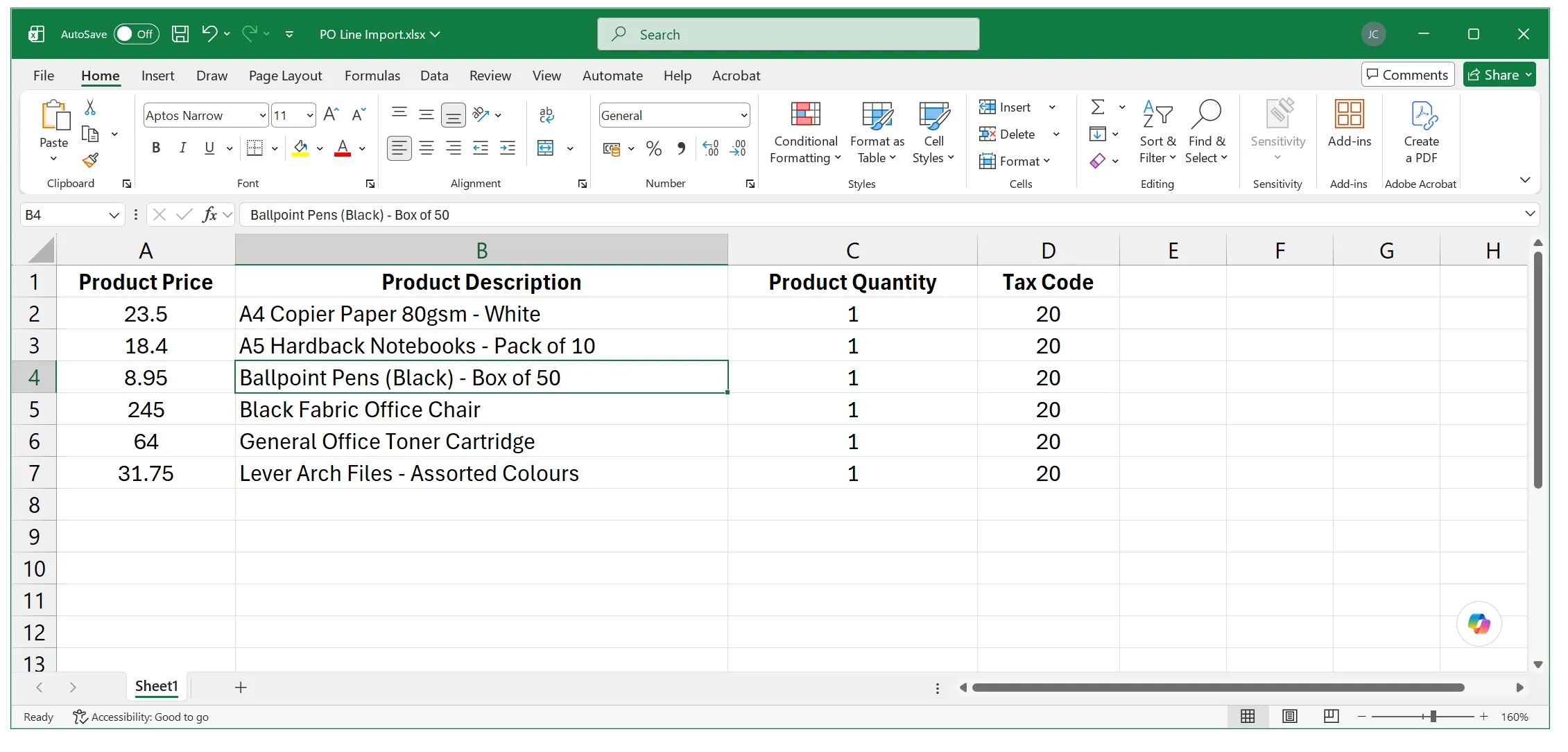
Create large or detailed purchase orders faster by importing multiple PO lines from a prepared spreadsheet. Upload key line information in one go, including product descriptions, quantities, prices, and other relevant line details.
This is particularly useful for high-volume purchase orders, removing the need to enter every item individually. Spreadsheet import helps you:
- Save time when creating large orders
- Reduce repetitive data entry
- Minimise manual input errors
- Create detailed purchase orders more efficiently
Get your personalised Purchase Order Software quote or book a free system consultation
Please contact me to set up an initial discussion of our requirements / book a free online demonstration