Help Menu | Purchase Order System
Every system has a Help menu. From here you can access training material, the client portal and the About section.
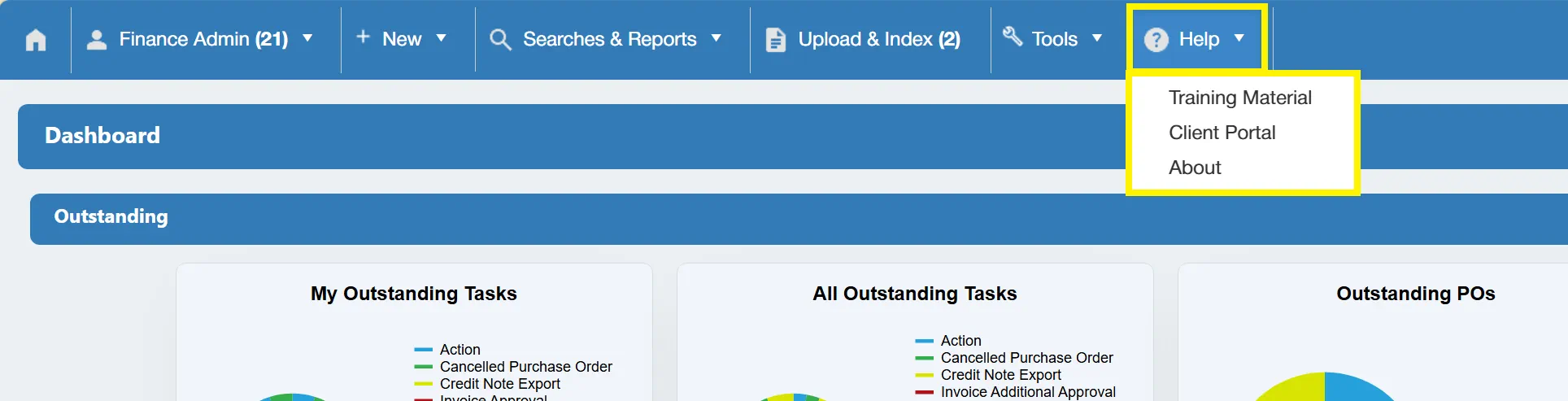
Training Material
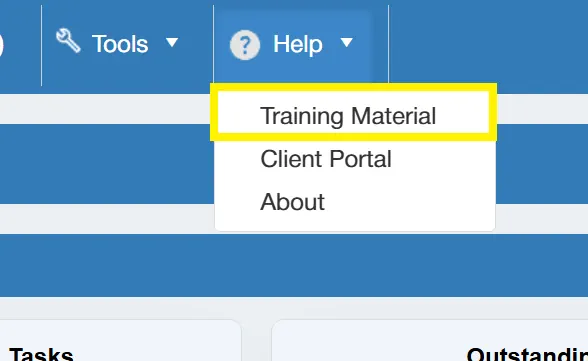
Training material is available within the system to refresh users on how to carry out various tasks. This material consists of the recording of the system handover meeting.
To access this, simply select from the Help menu.
This takes you to a new window containing any training videos or documents.
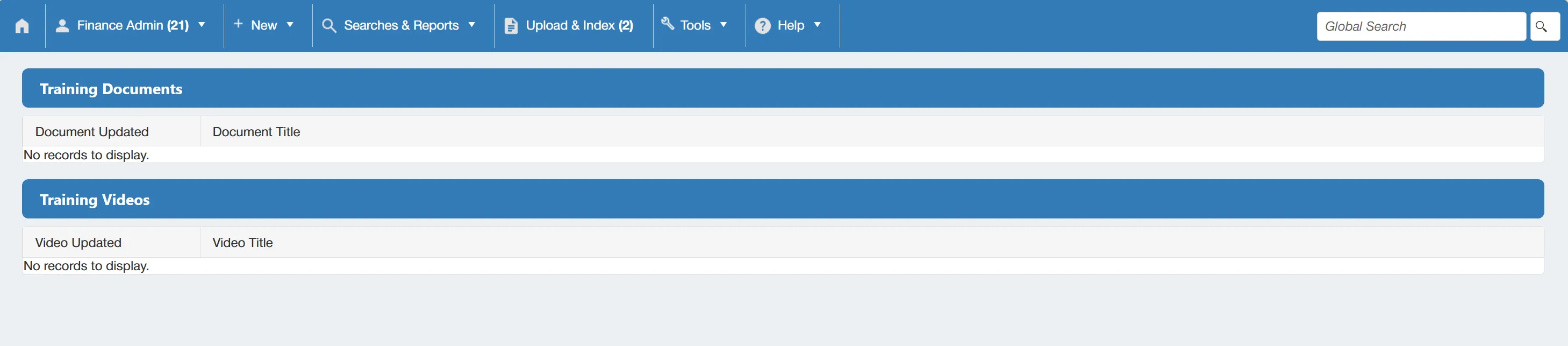
Simply click on the relevant item to view.
Client Portal
The client portal is provided to 2 users per system and is where you can raise support tickets with Cloud B2B. You can also view your Cloud B2B account information from this portal.
To access the portal, simply select from the Help menu.
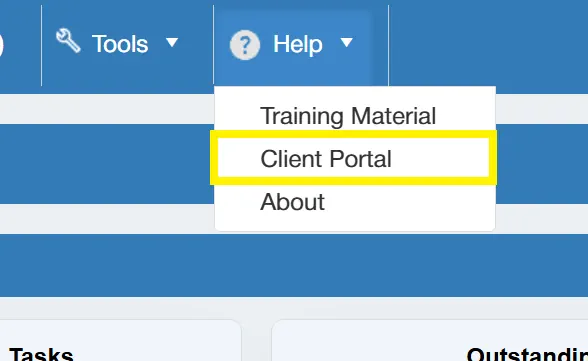
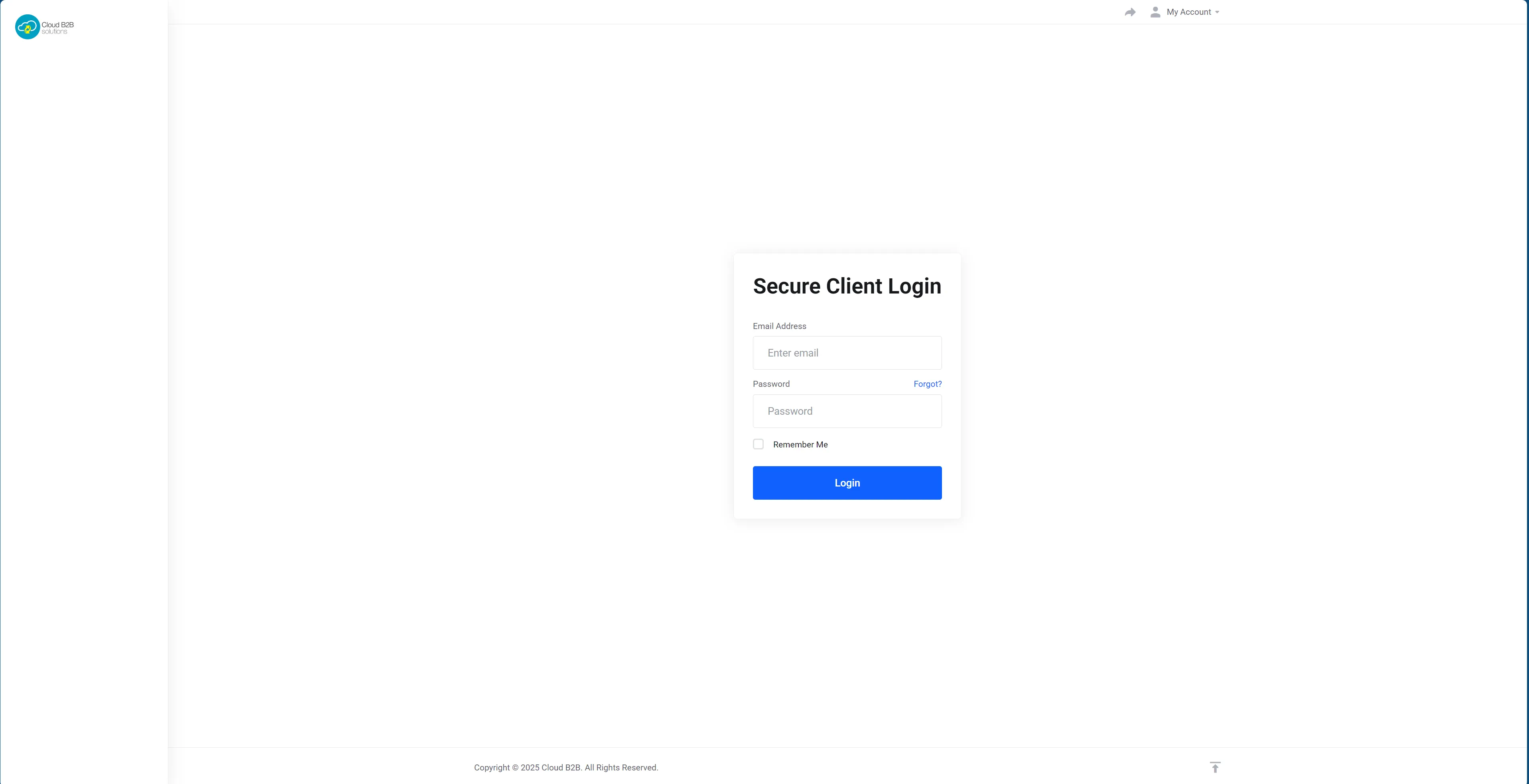
This will open a new tab within your browser from which you can log-in to the portal.
About
The About section contains system information such as License Counts, Storage Sizes and Cron Runs.
To access the About section, select from the Help menu.
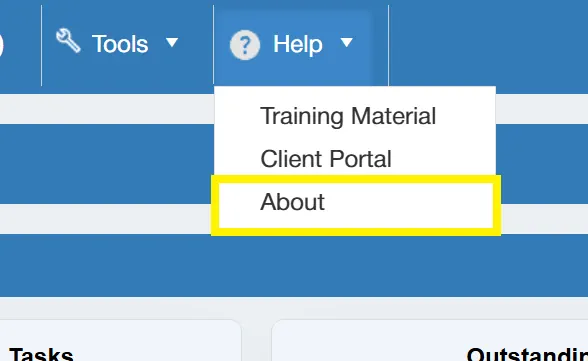
This will take you to the About window.
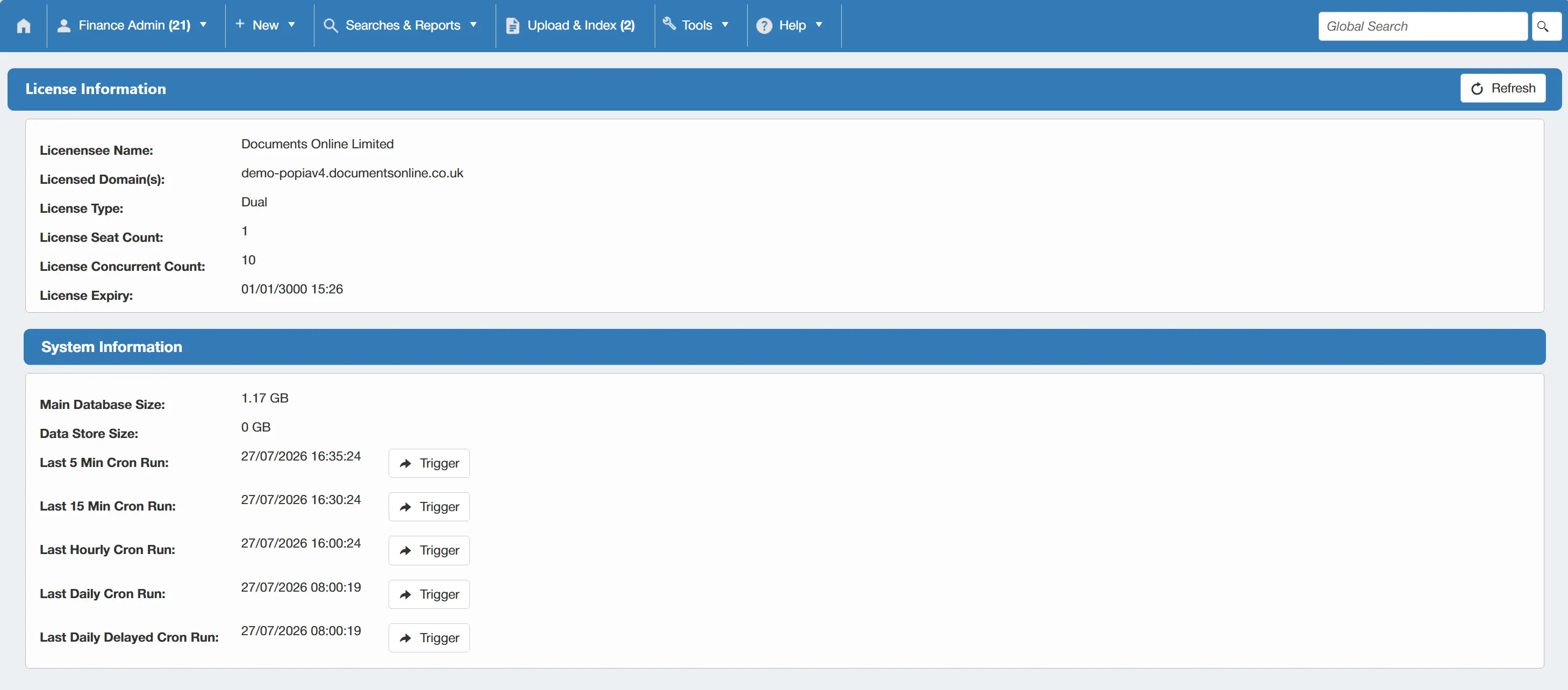
From here you can view your License and System information.